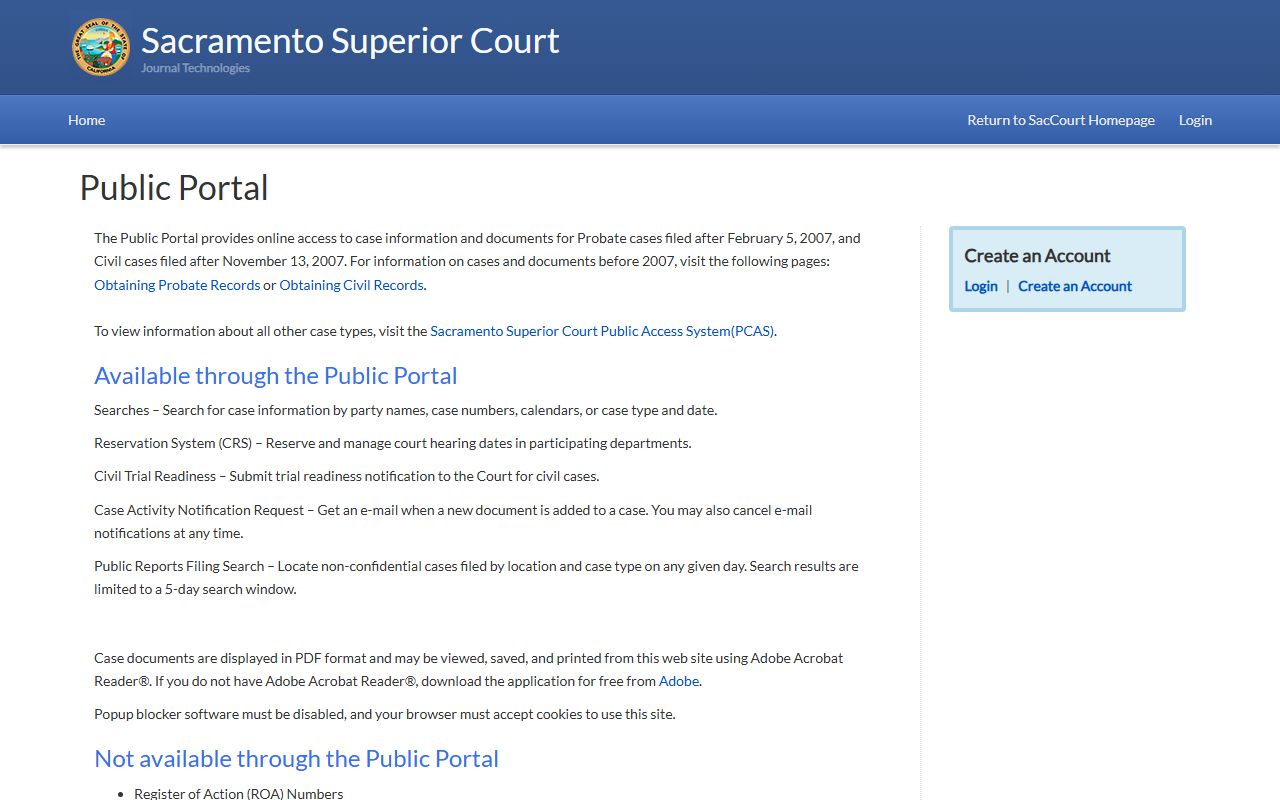
Sacramento Superior Court introduced a new public portal on August 10, 2026, to access criminal case records and file documents online. All users must now create a new, unique password to access the system.
The new portal serves as the check-in system for trials, preliminary hearings, and mental health diversion. It provides the public with online access to view limited case information. Cases prior to August 10, 2026, may not contain digitized documents.
The Sacramento Superior Court portal requires users to agree to its Terms of Use. To set up an account, users must click the “Login” hyperlink and select the “Create New Account” tab, then provide their email, first name, last name, and phone number. A Public User account type must be selected.
New Password Requirements
For security reasons, all users are required to create a new password. The court recommends choosing a unique password that has not been used with any other account or on the portal before.
The court advises using a strong password with at least 8 characters, combining uppercase, lowercase, numbers, and special characters—for example, 1_Luv_L@rge_P@$$W0rds. A password strength bar indicates how strong the chosen password is, and tips to strengthen it are also displayed.
Portal requires terms agreement
The agreement is mandatory, as indicated by a red asterisk next to the checkbox for “I agree with these terms,” according to the court’s public user guide.
To set up an account, users must select the “Public User” radio button from the “Type of User” selection box on the account creation page. This selection is required before users can proceed with entering their personal information, the guide states.
Juvenile Hearing Calendar Provides Public Access
The portal includes a Juvenile Justice Public Hearing Calendar that provides hearings open to the general public. The calendar is available pursuant to Welfare and Institutions Code Section 676, the court’s portal page reports.
This juvenile calendar can be accessed from the main portal and allows users to search by hearing date and department, offering transparency into juvenile court proceedings, according to the court’s documentation.
Portal Features and Access
Once logged in, users have access to Searches, Subsequent Filings, and Calendars. From the Search page, users can look up cases by last name, first name, or case number. The Calendars page allows users to view the Criminal Public Hearing Calendar, which can be searched by hearing date and department.
Public kiosks are also available for viewing digitized records at the criminal front counter on the second floor of the courthouse. For assistance with accessing criminal records, the public may call 916-874-5522 and press option 1 for criminal, a number provided by the Sacramento County Public Portal.
Keep reading

Indiana Hoosiers Drop to No. 14 in Playoff Rankings After Washington Loss
Indiana dropped six spots to No. 14 in the College Football Playoff rankings released Tuesday after a 27-24...

Tips for a Satisfying Winter RV Trip in Florida
Winter RV travelers in Florida gain more satisfying days by planning around daily rhythms rather than destination checklists,...

Man Arrested Over Murder Of 16-Year-Old Girl In Newham
A 48-year-old man has been arrested on suspicion of murdering a 16-year-old girl whose body was found at...

Oklahoma Sooners Face Missouri Tigers on Saturday in Season Finale
The Oklahoma Sooners will face the Missouri Tigers on Saturday at 3:15 p.m. CT from Faurot Field in...