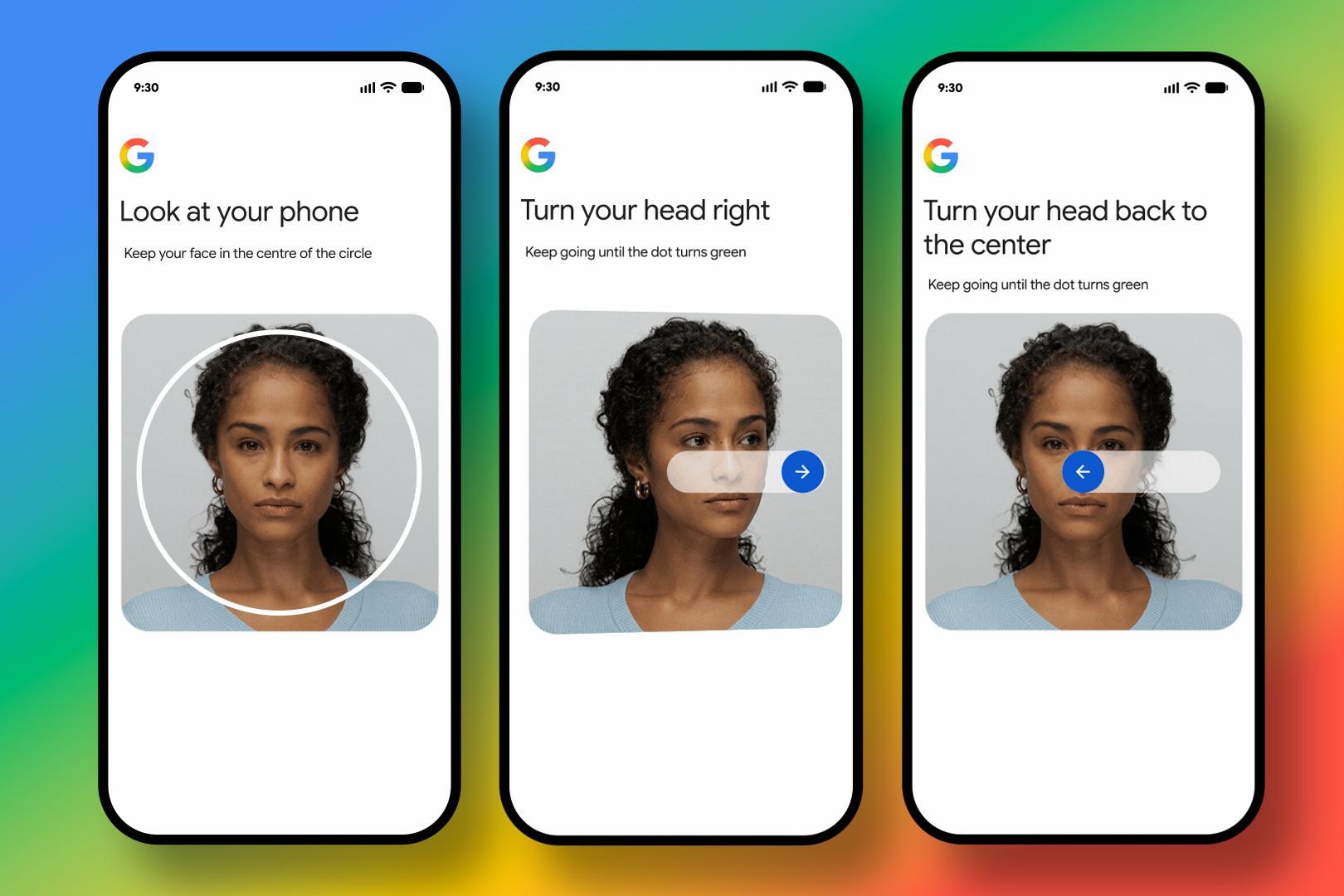
Google is rolling out a new selfie video sign-in and account recovery feature that lets users verify their identity using short recorded face videos. The system uses liveness detection and encryption to prevent spoofing, and allows users to delete their data or opt out of AI training at any time.
Setting Up Selfie Video Sign-In on Your Google Account
Google is adding a new way for users to sign in and get back into their accounts when traditional recovery methods are not available. As the name implies, selfie video lets you capture a short video of your face on a mobile device or PC, which is then compared to an earlier video that Google keeps on file to confirm you’re the account owner. The feature is designed as an alternative recovery option rather than a replacement for existing methods like recovery phone numbers, recovery emails, passkeys, or recovery contacts.
Setting up the feature is relatively straightforward. Setting up the selfie video feature simply requires you to look at your device’s camera and follow a series of onscreen prompts that guide you through simple head movements to ensure multiple angles of your face are captured. It’s similar to the setup procedures for security features like Apple’s Face ID, but without the need for added infrared light. Users simply head to the Security & sign-in section of their Google Account, choose selfie video, and follow guided prompts that ask them to look into the camera while performing a few simple head movements. If a computer doesn’t have a camera, Google can hand off the process to another device via a QR code.
How Liveness Checks and Facial Matching Work
If users later lose access to their account, Google may prompt them to record another short selfie video. Logging in to your account has you capturing another short video of your face performing simple movements to prove it’s being recorded live and so it can be accurately compared to the stored reference video. That fresh recording is compared against the one previously saved to the account, and if the faces match, access can be restored.
Google says the new selfie video sign-in system is built with multiple security safeguards to prevent spoofing. Instead of simply comparing a static image, the sign-in flow requires users to perform guided movements to prove that the video is being recorded live. Multiple layers of security are used to prevent impersonation attempts using photos or deepfake videos, Google says, along with the company’s standard security practices
to prevent suspicious sign-in attempts from succeeding. Beyond facial matching and liveness detection, Google also uses its existing suspicious sign-in detection systems when evaluating recovery attempts.
Security Measures, Data Storage, and Privacy Controls
Google says the reference video is recorded and securely stored
in the cloud using encryption, making it accessible to more than just the device where it was created. Google says selfie videos are encrypted while stored and are only used for sign-in purposes unless users explicitly choose otherwise. You can delete it at any time through your account, and the company has also added controls that let users delete their saved selfie video whenever they want from their Google Account settings.
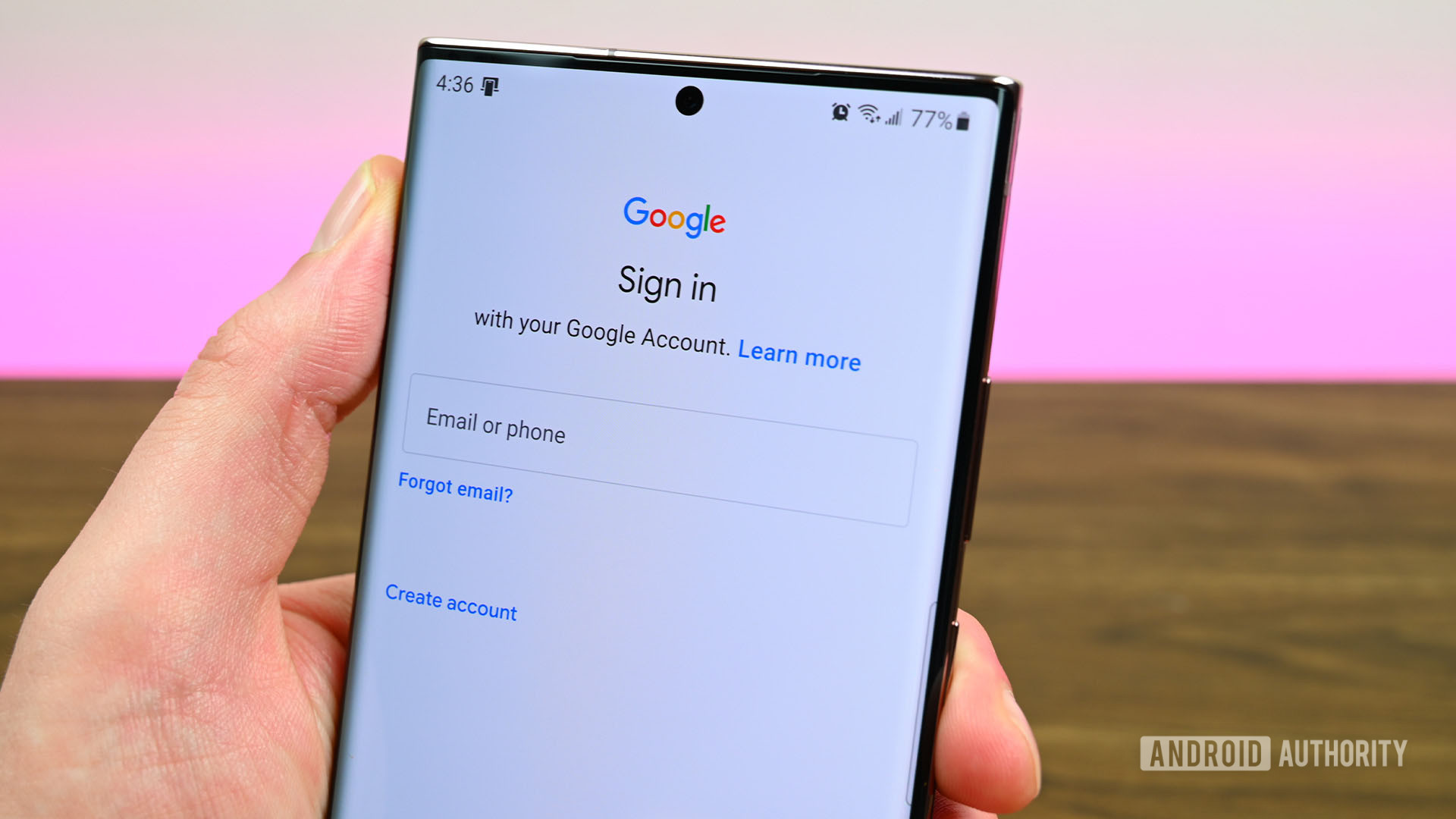
Once deleted, the video can no longer be used for account recovery, although Google notes it may temporarily retain deleted videos for security reasons or longer in cases involving policy enforcement. While by default the saved selfie video is only used to help you sign in, Google says you can also opt to share it for additional purposes.
Google is also making participation in its AI training efforts optional. When you upload a selfie video, you can choose whether to let Google use the video and related data to improve facial recognition, age estimation, and other identity verification tech. That setting can be enabled or revoked at any time from the selfie video page in your Google Account.
Rollout Timeline and Account Eligibility Restrictions
According to Google, the selfie video feature is rolling out today, though it won’t be available to everyone, including users with Google Workspace accounts, child accounts, or accounts enrolled in Google’s Advanced Protection Program. Google will gradually be introducing the feature to users through a phased global rollout.
Users can check if your account is eligible and set up your selfie video at g.co/signin-selfie. The company applies its standard security practices to guard against suspicious access attempts throughout the entire verification process.
Sources: theverge.com.
Worth a look
iPhone 18 Pro Pre-Orders Open September 12 With A20 Pro Chip and Price Hikes
Apple's latest flagship lineup arrives with a familiar sting for buyers.

Anthropic CEO Calls for AI Slowdown, Backed by Altman and Musk
Anthropic Chief Executive Officer Dario Amodei has called on artificial intelligence firms to slow the development of the...

TCL Unveils P80 NXTPAPER AMOLED Phones and X11L TV at IFA 2026
At IFA 2026 in Berlin, TCL unveiled a massive hardware showcase featuring the P80 series of NXTPAPER AMOLED...