Changing your tax withholding for your retirement benefit requires checking your current deductions and submitting a request through the secure member account before the 15th of the month, according to PERA.
The start of a new tax season often brings questions about whether adjustments are needed for federal and state deductions. PERA makes it straightforward to check your current withholding and make changes if your financial situation shifts.
Checking Your Monthly Benefit Statement
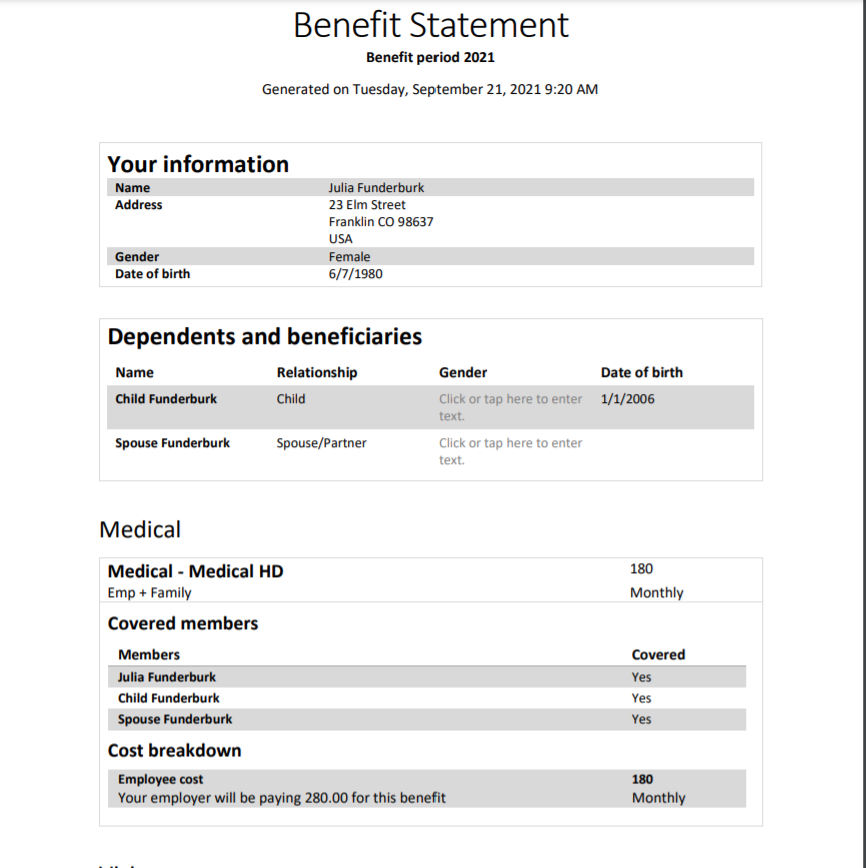
Your current withholding amount is listed directly on your monthly benefit statement. You can access this document by logging into your secure member account.
The statement details both federal and state tax withholding for the current month and tracks your year-to-date totals. This information helps you decide whether you need to increase, decrease, or leave your current withholding untouched.
To view these records, select “Statements” from the left-side navigation menu, click the “Benefit Statement” tab, and choose your most recent monthly document.
Submitting Withholding Changes Before the Deadline
If you decide to adjust your deductions, PERA provides online calculators to estimate both federal and Colorado state tax withholdings. You can find these tools under the “Calculators” tab in your secure member account.
To make the actual adjustment, select the “Forms” tab in your secure account. From there, you can update your Colorado state tax withholding and federal withholding.
PERA must receive your completed form by the 15th of the month in which you want the change to take effect. Members can also print the forms from the “Member and Retiree Forms” section of the website and mail them back.
Benefit recipients who no longer live in Colorado should note that PERA cannot set withholding for a new state of residence. PERA is only authorized to withhold state taxes for Colorado.
Worth a look

New Mexico Seven-Day Firearm Waiting Period Pause as AG Agrees to Stipulated Injunction
Seven days of waiting might finally end for New Mexico firearm purchasers as the state agrees to pause...

Indiana Man Arrested in Gilbert Over Alleged $600 Million Ponzi Scheme
Federal authorities arrested 29-year-old Devin Allen Johnson of Zionsville, Indiana, in Gilbert on Wednesday, Nov. 18. The arrest...

Pochettino Managing Manchester United Against Liverpool at Anfield Sunday
Manchester United will travel to Anfield on Sunday with Mauricio Pochettino in the dugout for his first match...

Dr. Brooks Williams Says BREC Owes Baton Rouge More Than Another Argument
"We owe Baton Rouge more than another argument," said Dr. Brooks Williams, Superintendent. That is the message BREC’s...