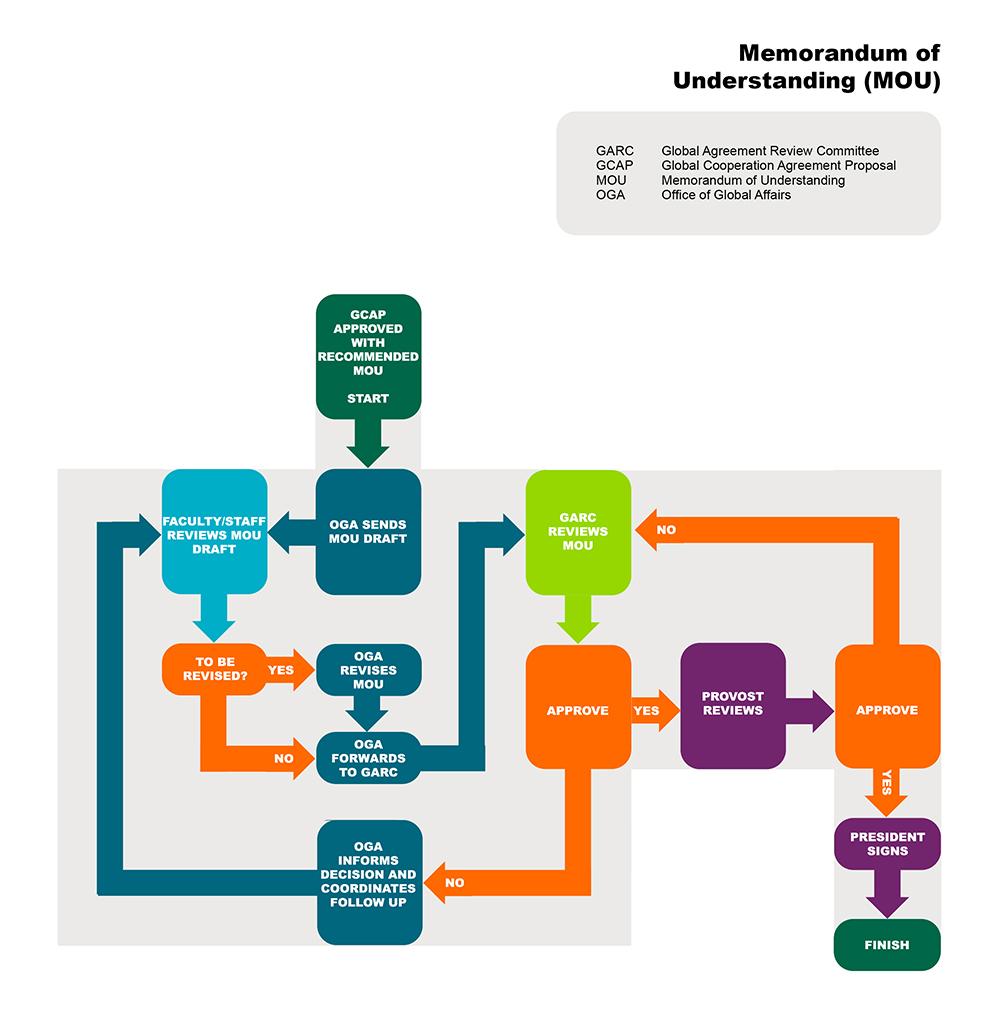
Ohio University has published a step-by-step procedure for creating new internal projects in its grants management system, requiring a strict naming convention and specific template selection.
The process begins by verifying no existing project exists, then selecting the planning unit’s assigned template from the “Templates” search field, the university reported. Only the template for which the user is listed as a Key Member will appear.
Project names must follow a defined format: “FACULTY PROJECT: LAST NAME, FIRST NAME (EMPL ID)” for faculty projects or “DEPARTMENT PROJECT: NAME OF DEPARTMENT (ORG #)” for unit projects, limited to 30 alphanumeric characters in all caps. The university emphasized that “The Project naming convention is critical for faculty and others to be able to see their information in OBI.”
Required fields in the Project Quick Entry window include the Project Name, Organization, Project Manager (faculty or director name in “Last Name, First Name” format), and Project Start Date in DD-MON-YEAR format. Project Administrator and Administrative Support fields are optional and used for query purposes on OBI Grants Funds Available and Summary Reports.
After saving the Quick Entry, the system generates a Project Number. Users must open the Projects, Templates window to complete attributes: Operating Unit defaults to Ohio University Operations, Type defaults to INTERNAL, and Status defaults to Approved.
The Transaction Duration start date carries over from Quick Entry; the end date remains blank until project close-out. Long Name defaults from the Name field, limited to 240 characters in all caps. Description is optional, limited to 250 characters in all caps. Public Sector, Workflow in Process, and Template checkboxes must remain unchecked.
Keep reading
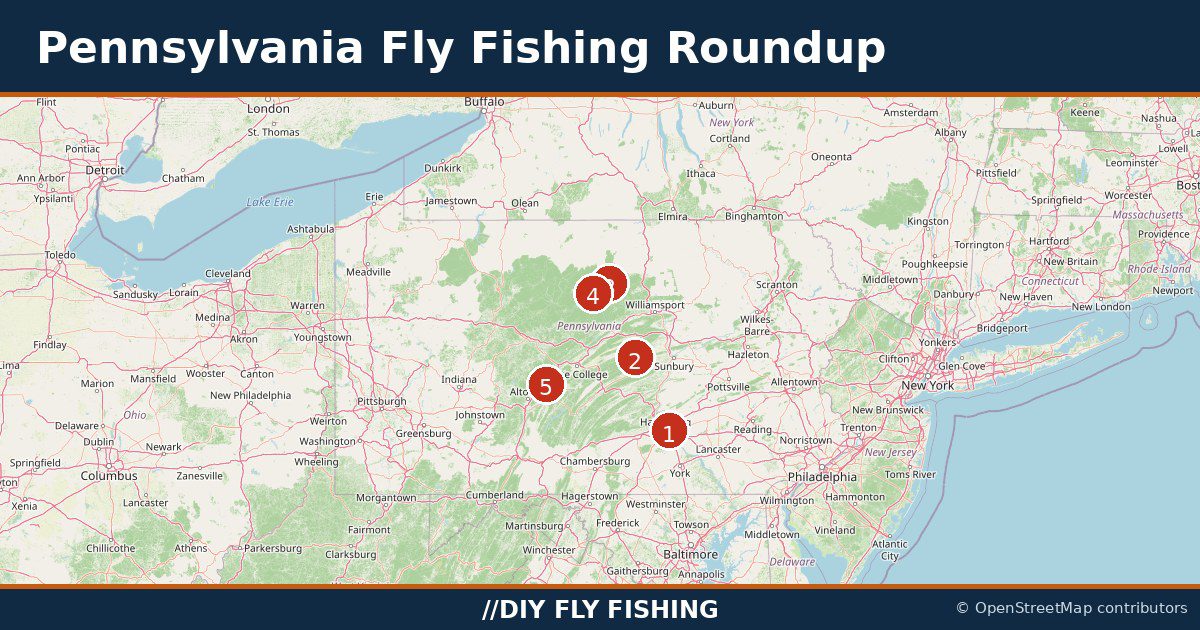
DIY Fly Fishing Reports Rain Will Create First Fishable Drop in Three Weeks
Thanksgiving rain and a Gale Watch on Lake Erie will blow out the region's steelhead tributaries Thursday into...

GTA 6: 1977 Imponte Phoenix Loses Screaming Chicken Decal When Repainted
The 1977 Imponte Phoenix appears in the opening mission of Grand Theft Auto VI as players steal it...
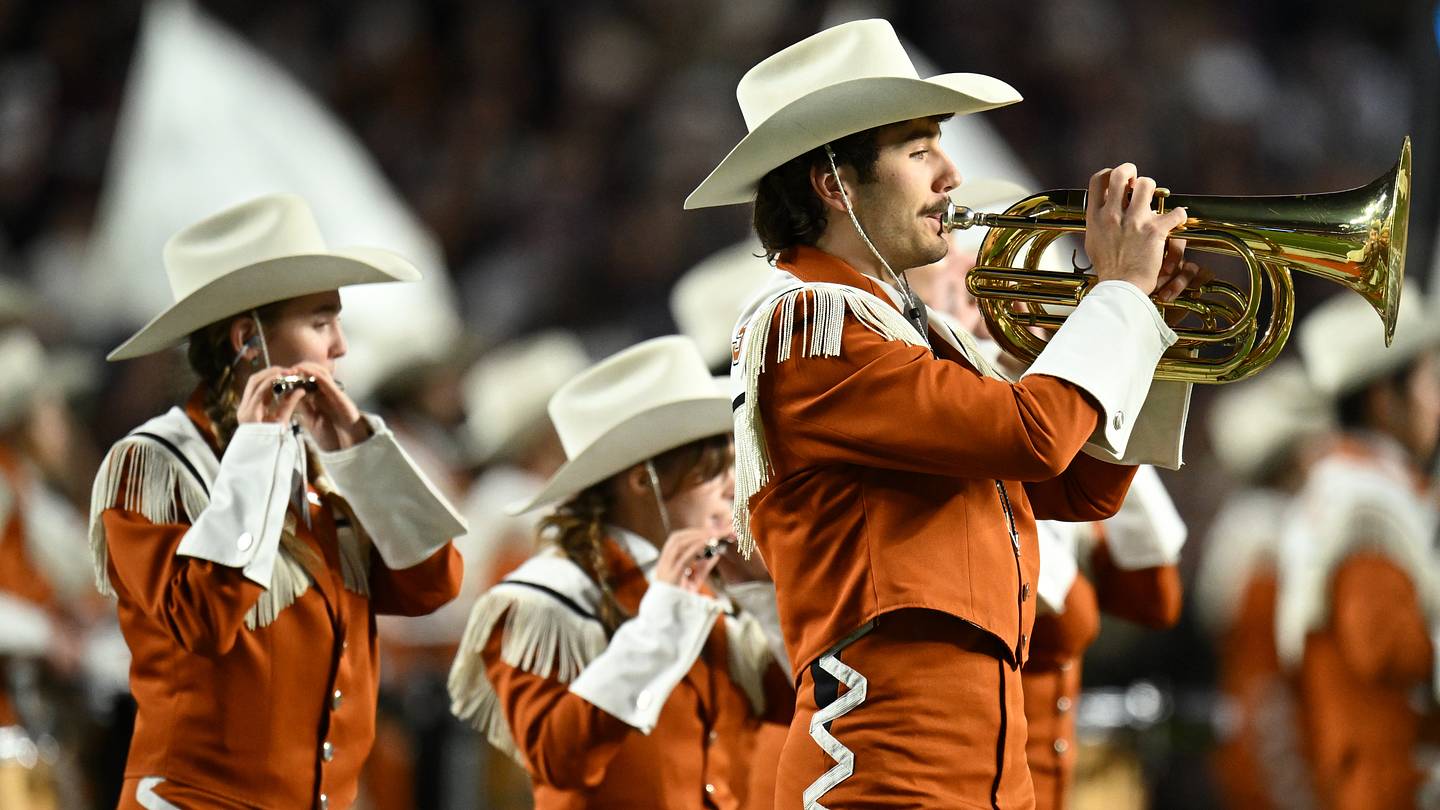
Texas A&M Fan Arrested After Slapping Longhorns Band Member; Texas Wins 16-6
Texas defeated Texas A&M 16-6 Friday night at Kyle Field, earning a third victory in the renewed Lone...
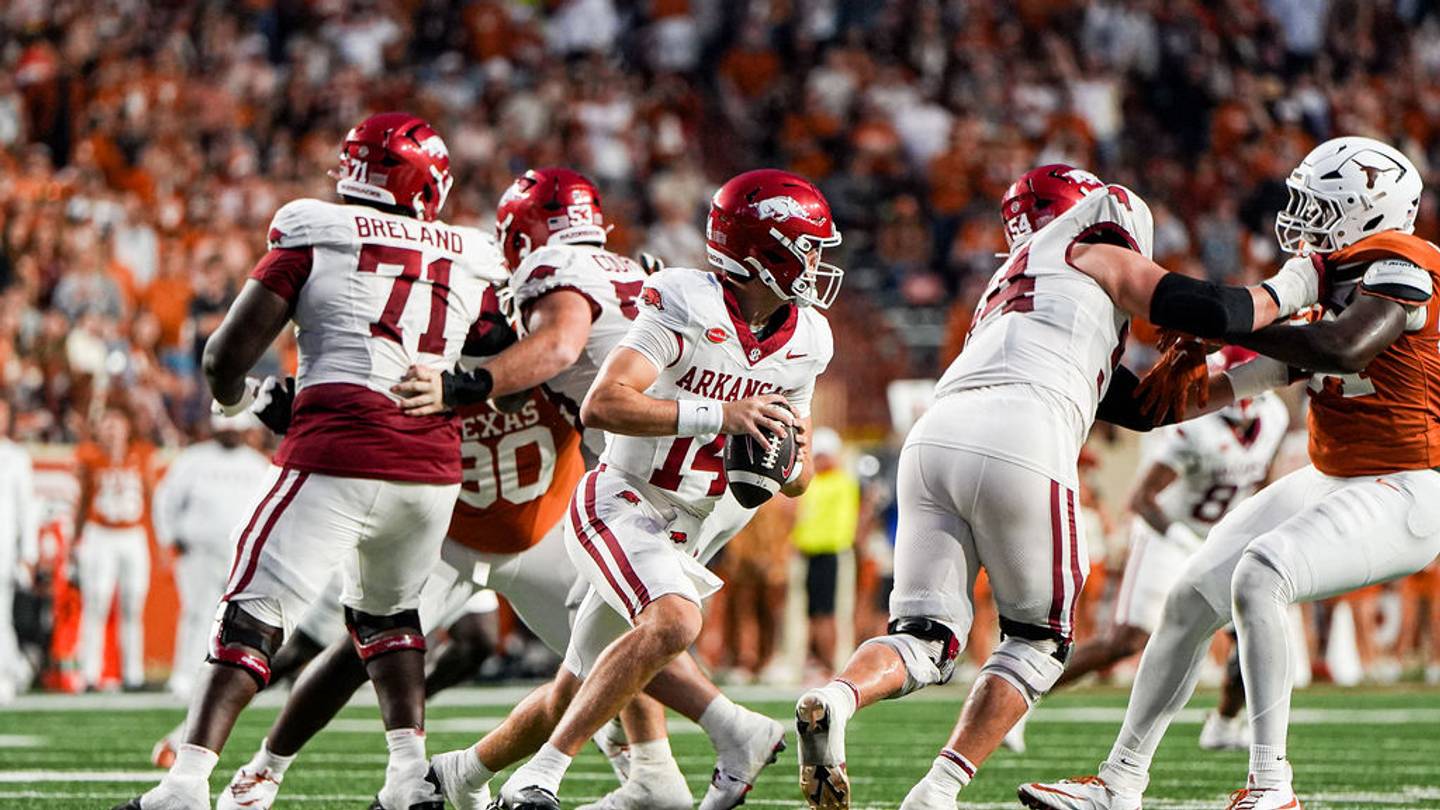
Arkansas Sticks With KJ Jackson Over Hank Hendrix in 10-3 Loss to LSU
Arkansas head coach Ryan Silverfield kept quarterback KJ Jackson in the game against LSU on Saturday despite two...