Apple released iOS 27.0.1, delivering essential bug fixes for iPhone 18 Pro Face ID authentication crashes, camera color artifacts, and Notification Center touchscreen unresponsiveness. The software update is now available for users to install directly through device settings alongside iPadOS 27.0.1.
Fixing Face ID Restarts and Camera Artifacts on iPhone 18 Pro
Apple launched its latest software update to tackle specific hardware and software conflicts that surfaced following the rollout of iOS 27 two weeks prior. According to 9to5Mac, the patch addresses an issue where the iPhone 18 Pro and iPhone 18 Pro Max may unexpectedly restart when Face ID fails to authenticate
. As previously reported, these unexpected crashes occurred when the authentication system failed to properly verify users, prompting Apple to promise a corrective release for the week.
Beyond biometric glitches, the update resolves a visual flaw affecting specific photo captures. Apple notes that a color artifact may appear on photos captured at 2x under certain lighting conditions at f/1.48 on a small number of iPhone 18 Pro and iPhone 18 Pro Max devices
.
Resolving Touchscreen Freezes in Notification Center
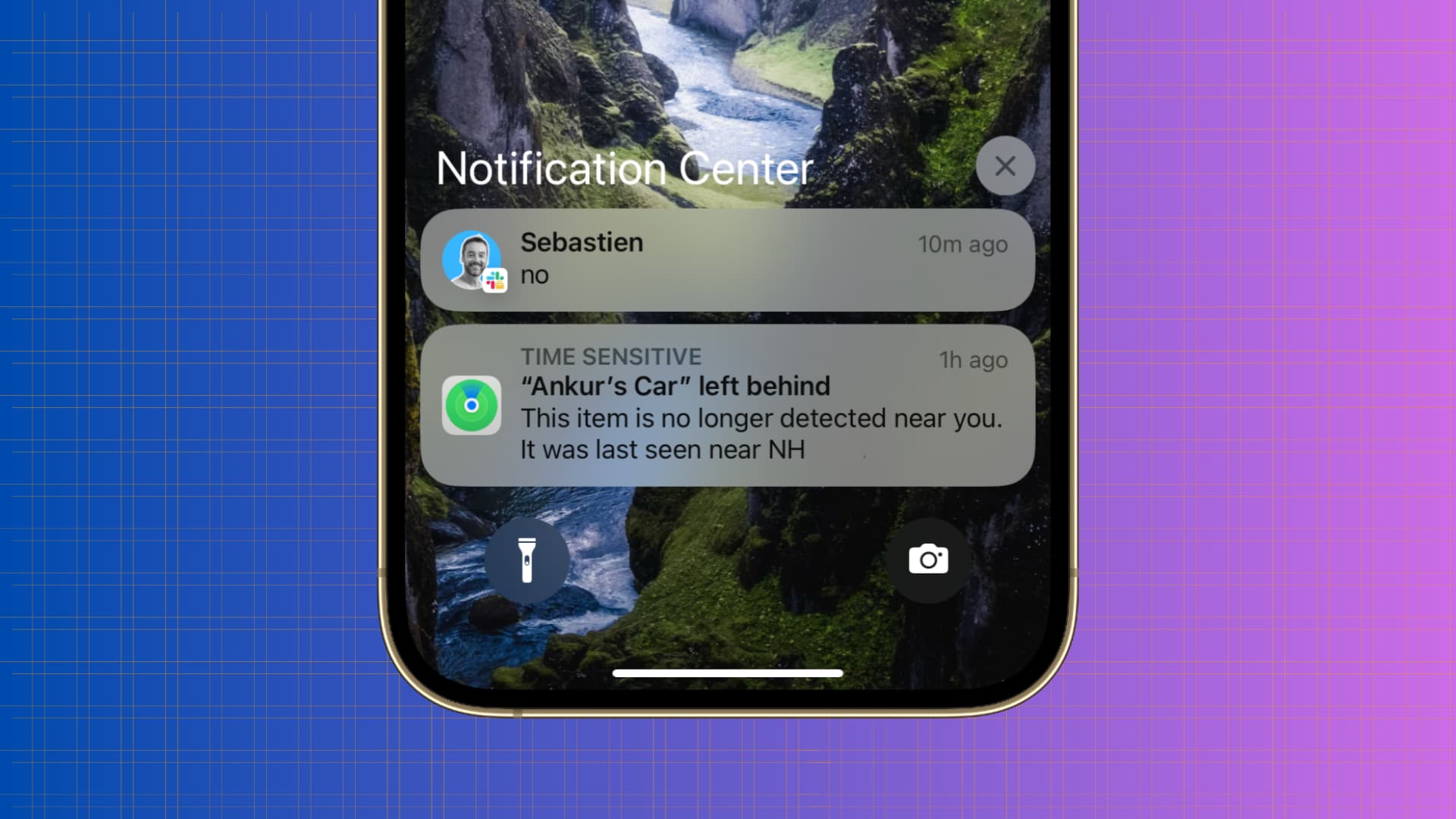
While several of the headline patches target Apple’s newest hardware flagship, one critical interface bug affected users across multiple generations of devices. According to the release documentation, Opening Notification Center and Control Center simultaneously may cause the touchscreen to become unresponsive
. Out of all the specific items detailed in the official notes, this particular interface glitch represents the only listed bug that applies universally to all iPhone models.
Because Apple’s release notes do not typically catalog every minor adjustment, older iPhone models running the software will likely benefit from unmentioned underlying improvements. Simultaneously, tablet users received a matching software package labeled iPadOS 27.0.1.
Installation and Availability via Device Settings
The software rollout arrives exactly two weeks after the initial debut of iOS 27, capturing bugs that escaped detection during the public beta testing period. Users can download and install the update immediately by going to Settings, selecting General, and choosing Software Update. Meanwhile, release notes for the corresponding iPadOS 27.0.1 update state simply that This update provides bug fixes for your iPad
.
Best iRobot Roomba 105 Deals Ahead of Prime Big Deal Days
As Amazon prepares for its Prime Big Deal Days sale on October 6 and 7, early discounts have...

Jim Cramer Defends Individual Stock Picking Using Apple Example
Financial commentator Jim Cramer defended individual stock picking against index-fund orthodoxy, arguing that retail investors can outperform the...

Serbia President Aleksandar Vucic Resigns to Run for Prime Minister
Serbia's populist president, Aleksandar Vucic, resigned on Sunday to run for prime minister in an upcoming October parliamentary...

Xbox Project Helix Projected to Outperform PlayStation 6 in Raw Power
Hardware leaker KeplerL2 has revealed that next-generation graphics chips for the PlayStation 6 and Xbox Project Helix have...