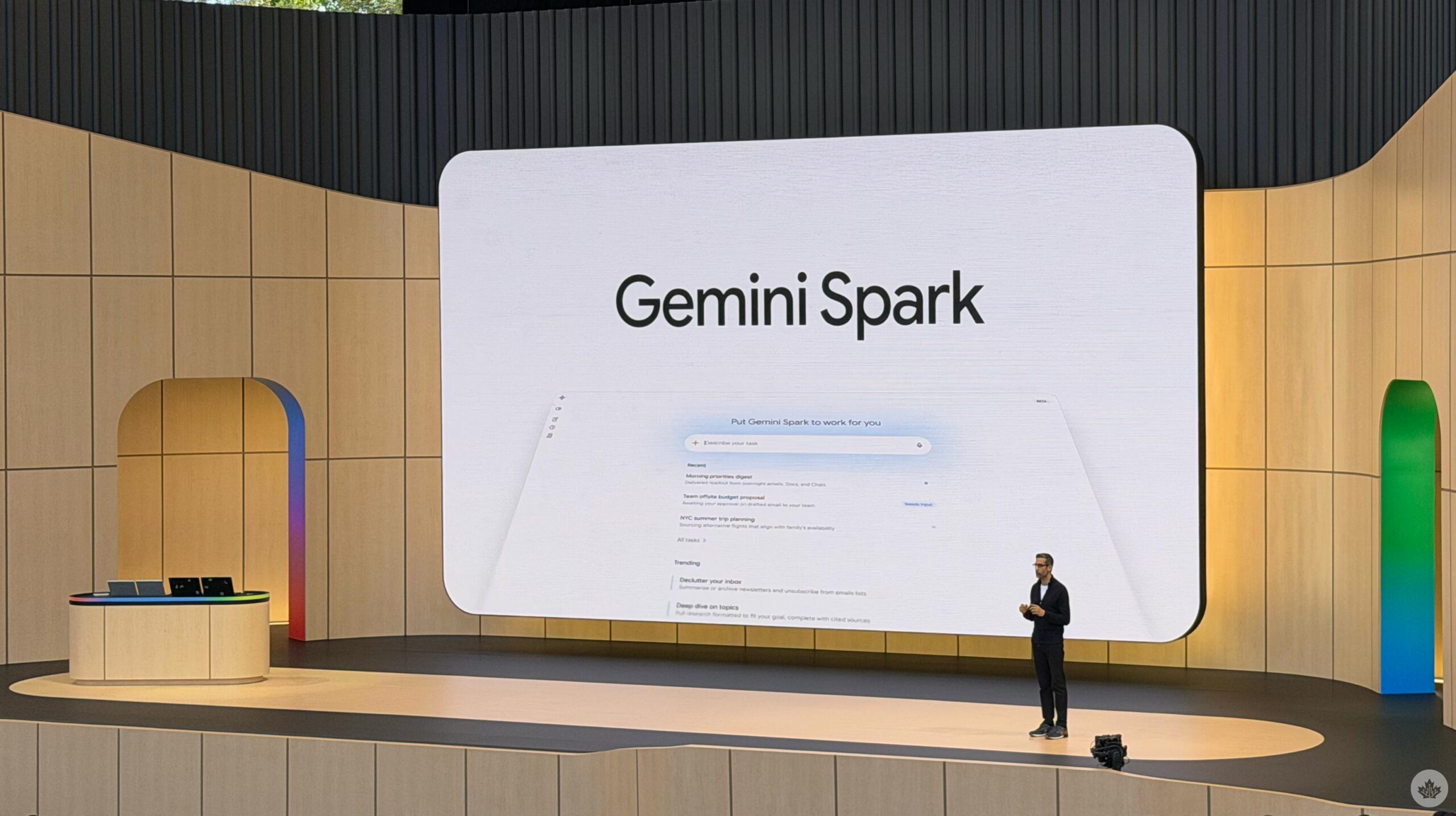
Google is rolling out Gemini Spark to macOS for Google AI Ultra subscribers, featuring local file automation and new Google Keep integrations.
Google’s autonomous AI agent, Gemini Spark, is expanding its desktop footprint and mobile capabilities. The macOS launch allows Gemini Spark to better compete with desktop AI agents like Claude Desktop, Microsoft’s Copilot, OpenClaw, and others, as it will be able to work with files on the computer, and later, handle remote tasks. However, as noted in Source 4, the macOS support is currently limited to Google AI Ultra subscribers in the U.S. and is in beta.
Unlike standard chatbots that remain idle until prompted, Spark operates in the background on cloud servers or local hardware, handling routine assignments even when devices are locked or shut down. According to Source 3, Gemini Spark is described as your 24/7 personal AI agent that operates autonomously, but always under your direction.
The agent can remember instructions and continue working for users throughout the day, whether it’s checking emails, organizing documents, updating spreadsheets, or preparing travel plans.
macOS Integration and Local File Automation
Google could soon make it easier to assign tasks
The macOS release brings Gemini Spark directly into the existing Gemini desktop app via version 1.80.15.516, which is rolling out through the built-in updater system. The desktop expansion allows the agent to help with tasks involving your local files and automate workflows across your desktop.
Users can designate specific local folders as Connected folders
in the sidebar. Once permitted, Spark can scan unorganized files, group them by type or context, and archive clutter into a clean folder structure. Users retain control to unlink these directories at any time, as detailed in Source 5.

Google’s desktop updates also address previous user feedback by adding direct support for Google Tasks and Google Keep. Early testers had noted the absence of Keep integration as a frustration when managing short lists or vacation packing items. Furthermore, Spark now connects with third-party applications like Canva, Dropbox, Instacart, OpenTable, and Zillow Rentals to handle tasks such as reserving tables or ordering groceries, as reported in Source 4.
Mobile App Upgrades and Upcoming Task Assignment Shortcuts
On mobile, Google is streamlining how users interact with Spark. Android users can access a dedicated Skills section via the top-right overflow menu to view recommended, active, and inactive Skills. The app allows users to Create with Gemini,
a guided setup using natural language prompts to draft the Skill conversationally, or Create manually,
a basic editor providing direct control over the Skill name, description, and custom instructions, as outlined in Source 2.
Gemini Spark Skills are getting easier to make, and
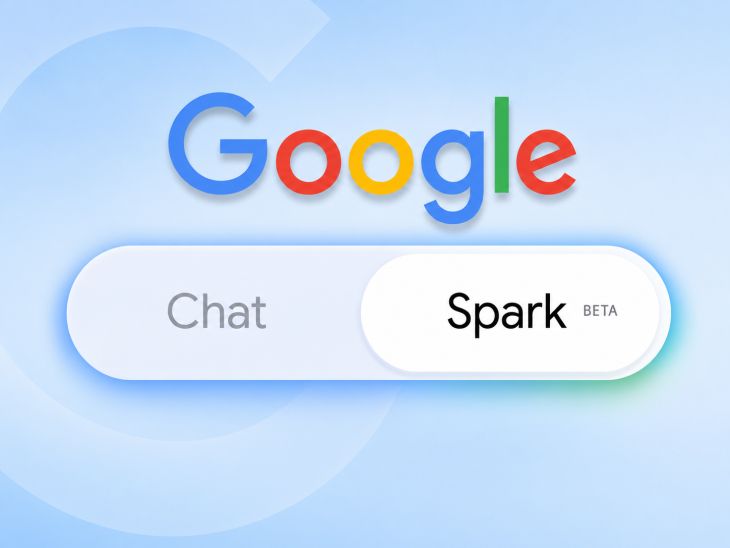
Concurrently, an app teardown of the same Google app version by Android Authority revealed that Google is working on a new “Assign Task” option within Gemini’s input tool sheet. Currently, users must navigate to the sidebar to select Spark before assigning a job. The upcoming shortcut will let users interact with Gemini Spark without first switching to it from the sidebar, though selecting it will shift the active chat exclusively to Spark. The app will prompt users to start a new chat for regular Gemini conversations, as noted in Source 1.

Autonomous Features and Regional Rollouts
Beyond file sorting and document creation—such as turning local invoices into budgeting spreadsheets—Spark can now track topics and react to real-time events like sports scores, stock movements, and breaking news. Custom Model Context Protocol (MCP) support is also rolling out, enabling users to link favorite applications directly into the assistant, according to Source 5.
Geographic availability is expanding as well. While initially launched in the United States for Ultra subscribers, Spark is rolling out to Canadians over the coming weeks and has similarly begun arriving for Google AI Pro and Ultra subscribers in India to manage emails, travel itineraries, and automated reminders, as stated in Source 2. The Canadian rollout follows a blog post from Google detailing that Spark would be rolling out to Canadians over the coming weeks, according to Source 2.
Additional Details from Source 1 and Source 2
Source 1 specifies that the “Assign Task” option will switch the chat to Spark, preventing users from using other tools such as Images or Videos within the same chat. The feature is part of Google’s efforts to make Gemini Spark more accessible on mobile, as the company was recently spotted working on introducing Gemini Spark Skill management to the mobile app. The new option is expected to be included in the Google app’s version 17.45.14, which was analyzed by Android Authority.
Source 2 also highlights that the Skill management feature on Android includes a “plus sign” in the corner of the popup menu, offering two distinct Skill creation paths: Create with Gemini
and Create manually.
This aligns with the broader goal of empowering users to customize their AI workflows, as noted in the source material.
Source 5 provides further technical details about the macOS version 1.80.15.516, which includes a new “Spark” top tab in the sidebar, mirroring the web interface. Users can select what local Connected folders
Gemini Spark can access, with examples including organizing connected folders, scanning unorganized files, and grouping them by type or context. The source also mentions that Spark can create a budget spreadsheet using the latest invoices saved to your computer
and create a schedule to update it regularly.

The Blood of Dawnwalker Crosses One Million Sales on $40 Million Budget
Rebel Wolves' dark role-playing game The Blood of Dawnwalker has surpassed one million copies sold following its launch.
NIST Scientists Bake Model Scrolls to Test Lead-Based Ink Scans
Researchers studying the 2,000-year-old Herculaneum papyri have tested a new method for reading carbonized scrolls by looking for...
Apple Launches Apple Watch Series 12 and Ultra 4 With New Retailer Deals
Apple launched the Apple Watch Series 12 and Apple Watch Ultra 4 on September 18, alongside new pricing,...

Battery Imaging Library Launches Open Access Database With 4.5TB of Data
Researchers have launched the world's first open-access Battery Imaging Library, housing over 4.5 terabytes of experimental data from...