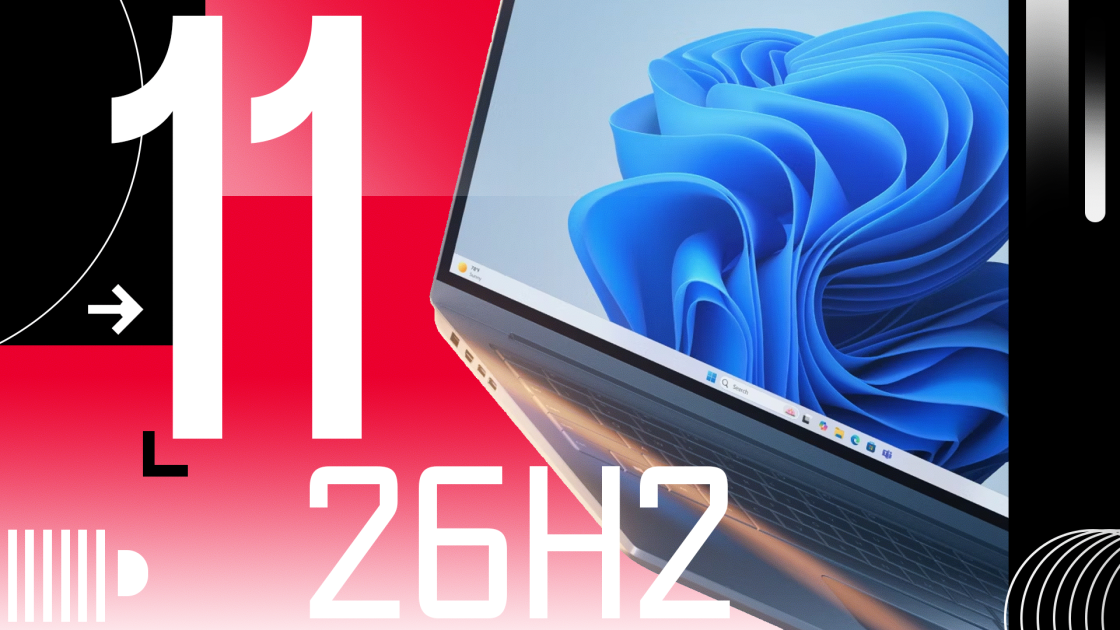
Microsoft has started rolling out Windows 11 version 26H2 to eligible devices as a lightweight enablement package. The update arrives with a streamlined installation process, a reset support lifecycle, and behind-the-scenes default changes for settings backups, while leaving certain Arm-based hardware configurations unable to upgrade.
The annual feature update for Microsoft’s desktop operating system officially began rolling out on September 29, 2026, when the company announced the next version of Windows 11 is now generally available. Described by the company as a predictable and low-disruption update,
version 26H2 functions primarily as an activation mechanism. It turns on features and enhancements that Microsoft has trickled out over the past year through monthly cumulative updates, adopting a shared servicing branch that relies on the same core code base as versions 24H2 and 25H2.
How Users Can Get the Windows 11 2026 Update Today
For most eligible PCs running versions 24H2 or 25H2, the transition requires a small enablement package that installs quickly and finishes with a single restart, resembling a routine monthly patch rather than a disruptive OS replacement. Because Microsoft implements a controlled feature rollout, the update may not appear automatically in Windows Update for everyone right away.

Users eager to bypass the staggered rollout can navigate to Settings, select Windows Update, turn on the option to get the latest updates as soon as they are available, and select Download and install when Windows 11, version 26H2 shows up. Organizations can find further deployment details and guidance on these features in the Windows IT Pro Blog, and users are encouraged to continue sharing feedback via the Feedback Hub.
Features Enabled and Utilities Removed in Version 26H2
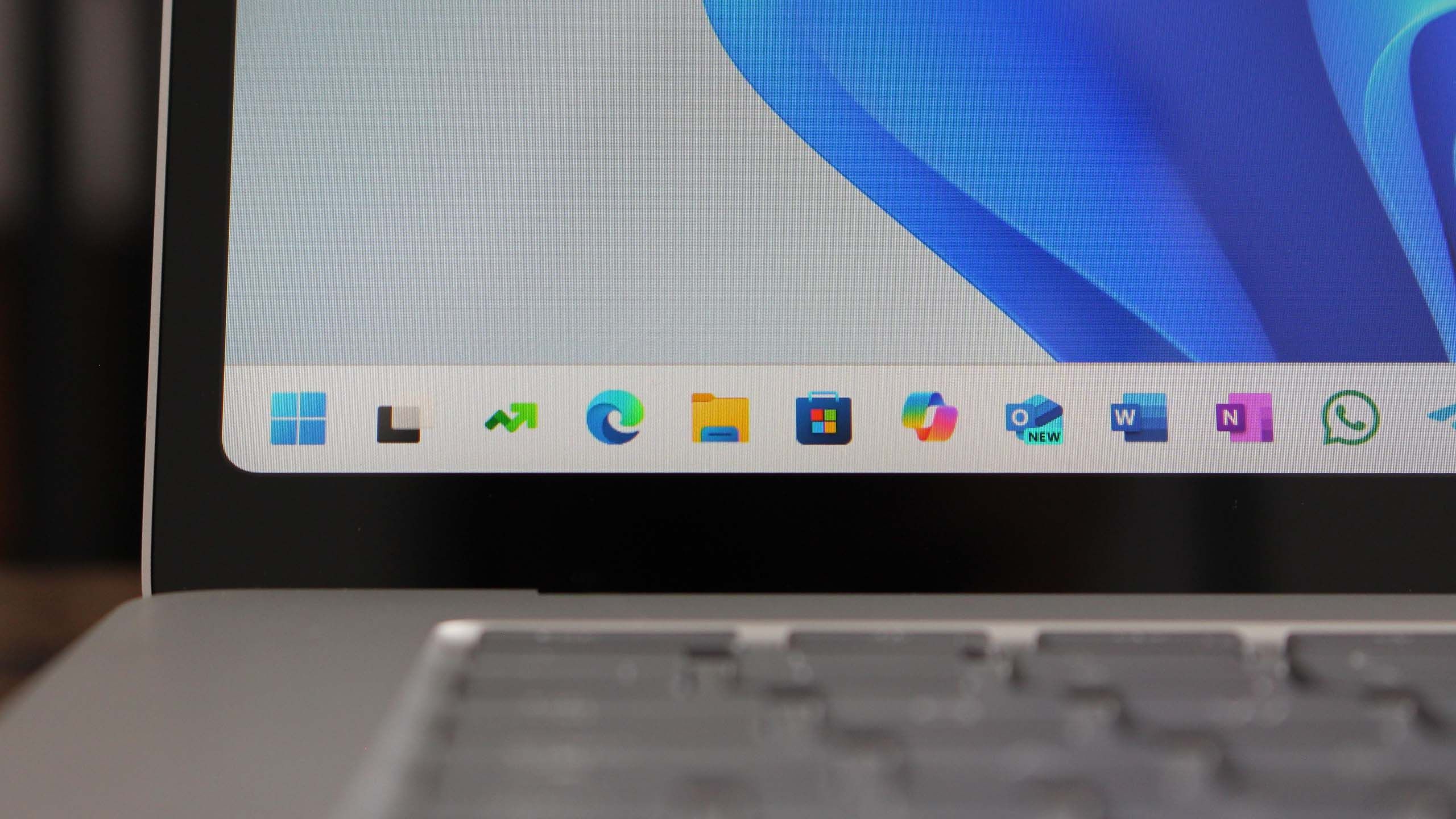
Because version 26H2 activates capabilities previously delivered incrementally, its visible footprint depends on how recently a machine received past monthly patches. Among the changes surfacing for users are a movable taskbar that can be repositioned to the top, left, or right edges of the screen, along with options to turn off Bing in the Start menu. The MSN news feed is now hidden by default in the Widgets view, and lock screens display only a weather widget by default.
At the same time, Microsoft is stripping out legacy components. The Windows Management Instrumentation Command-line utility is no longer available in 26H2, having been removed following security updates due to its frequent exploitation by malware authors.
2026 Update Resets Support Lifecycles and Activates Management Capabilities
Installing the 2026 Update resets the support lifecycle for supported editions, providing 24 months of support for Home and Pro editions and 36 months for Enterprise and Education editions. For commercial customers managing fleets through tools like Windows Autopatch and the Microsoft 365 admin center, Microsoft recommends targeted pilot deployments to validate business-critical workflows. For commercial PCs, the update also activates several management capabilities by default, including Windows settings backup, app-specific taskbar actions, and File Explorer improvements.
While designed to streamline device migration by backing up user settings and installed Microsoft Store apps to the cloud, the switch has raised concerns among IT administrators in privacy-sensitive regions or restricted environments where sending such data off-premises is prohibited.
Hardware Configurations Determine Upgrade Paths and RAM Consumption
Not all modern Windows 11 machines share an identical upgrade path. Microsoft indicates those systems will receive a direct path to a future release.
Performance testing of the new update has also highlighted distinct hardware divides. While some users running higher-tier configurations have observed notable reductions in RAM consumption, systems equipped with 8GB of RAM continue to face heavy memory pressure, with Task Manager metrics showing usage hovering near 96 percent of total capacity.
Related reading
iPhone 18 Pro Max AT&T Users Advised to Seek Replacements for Bug
Apple has advised a small group of AT&T customers who recently purchased the $1,299 iPhone 18 Pro Max...
Googlebook Owners Face $748 in Annual Renewal Costs After Free Trials
As the first Googlebooks land on store shelves, buyers facing the end of their introductory year are discovering...
Apple to Tighten macOS Privacy Controls After Meta Muse Dispute
Apple plans to update macOS permissions so that apps requesting Full Disk Access are easier to spot and...

MCMC Probes AI-Manipulated Footage of Mourning Tun Dr Mahathir
Malaysian authorities are actively investigating and tracing the creators of artificial intelligence-manipulated media targeting former prime minister Tun...