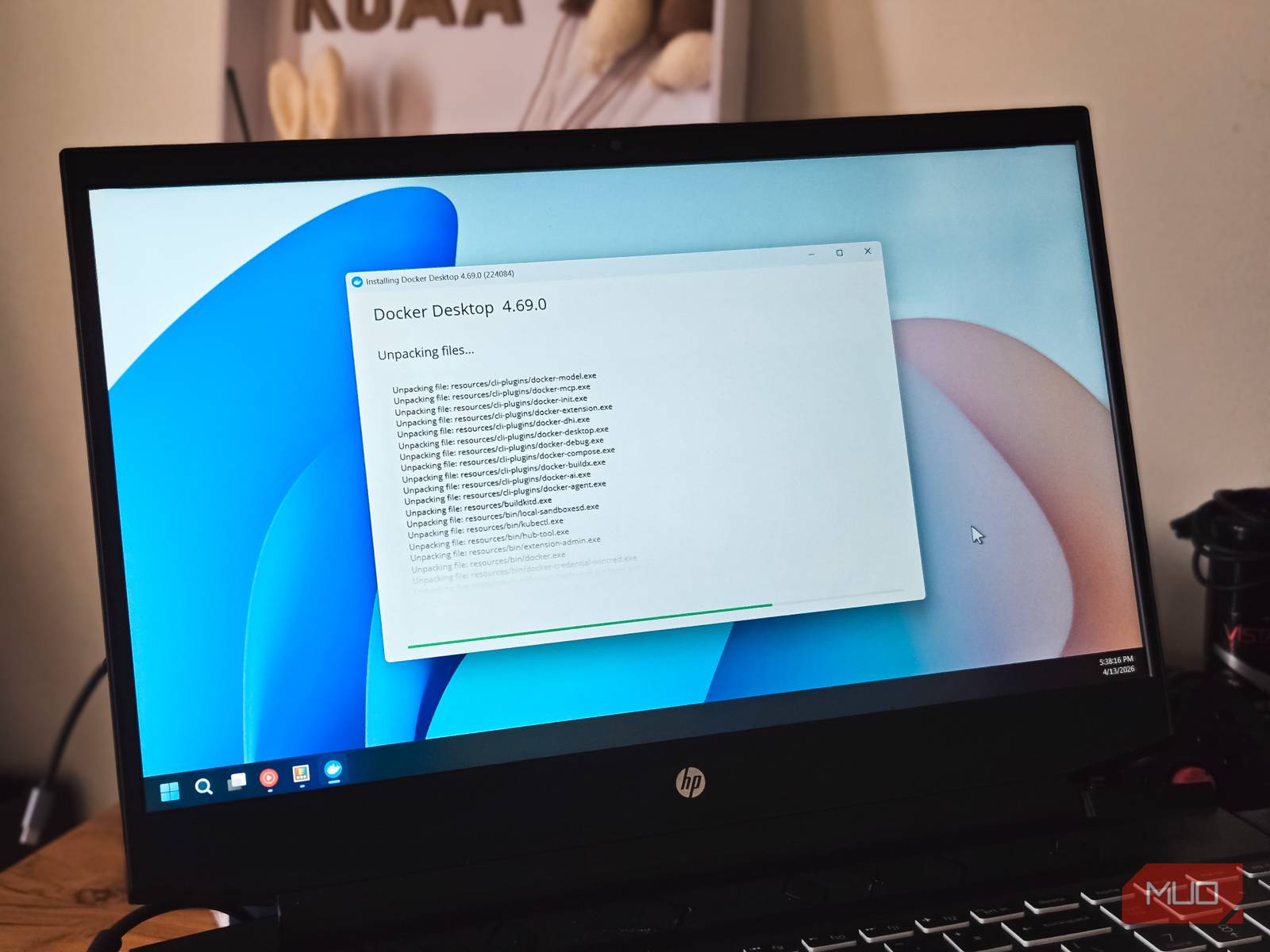
Migrating Home Server Automations from Task Scheduler to Docker Containers
For many home server enthusiasts, the transition to Docker containers offers a streamlined approach to managing applications. However, a common oversight occurs when automation processes remain anchored to the host operating system’s native task scheduler rather than moving into the containerized environment. This disconnect can lead to failures in unsupervised backups and routine maintenance tasks, particularly when moving setups between different machines.

The Friction of Split Infrastructure
While Docker allows for the portability of applications, configuration, and dependencies through Compose files, scheduled tasks often remain tied to the host machine, such as Windows Task Scheduler. This separation creates a fragile ecosystem. Because these jobs rely on specific host-level elements—including installed utilities, environment variables, user credentials, and drive mappings—they are prone to breaking whenever the server environment changes. Rebuilding a server in this state often requires manual recreation and debugging of every scheduled task, whereas the application containers themselves can be restored simply by copying existing Compose files.
The core issue is that Task Scheduler and containerized applications exist in separate ecosystems. When automation is disconnected from the applications it maintains, it creates friction that undermines the primary benefit of containerization: predictability.
Containerizing Your Automation
Achieving a complete homelab setup requires moving automations into the same infrastructure as the services they support. Docker itself does not include a built-in scheduling engine, meaning users must provide a mechanism for triggering tasks. This is typically accomplished by utilizing a “cron container” or a Docker-native scheduler, such as Ofelia.
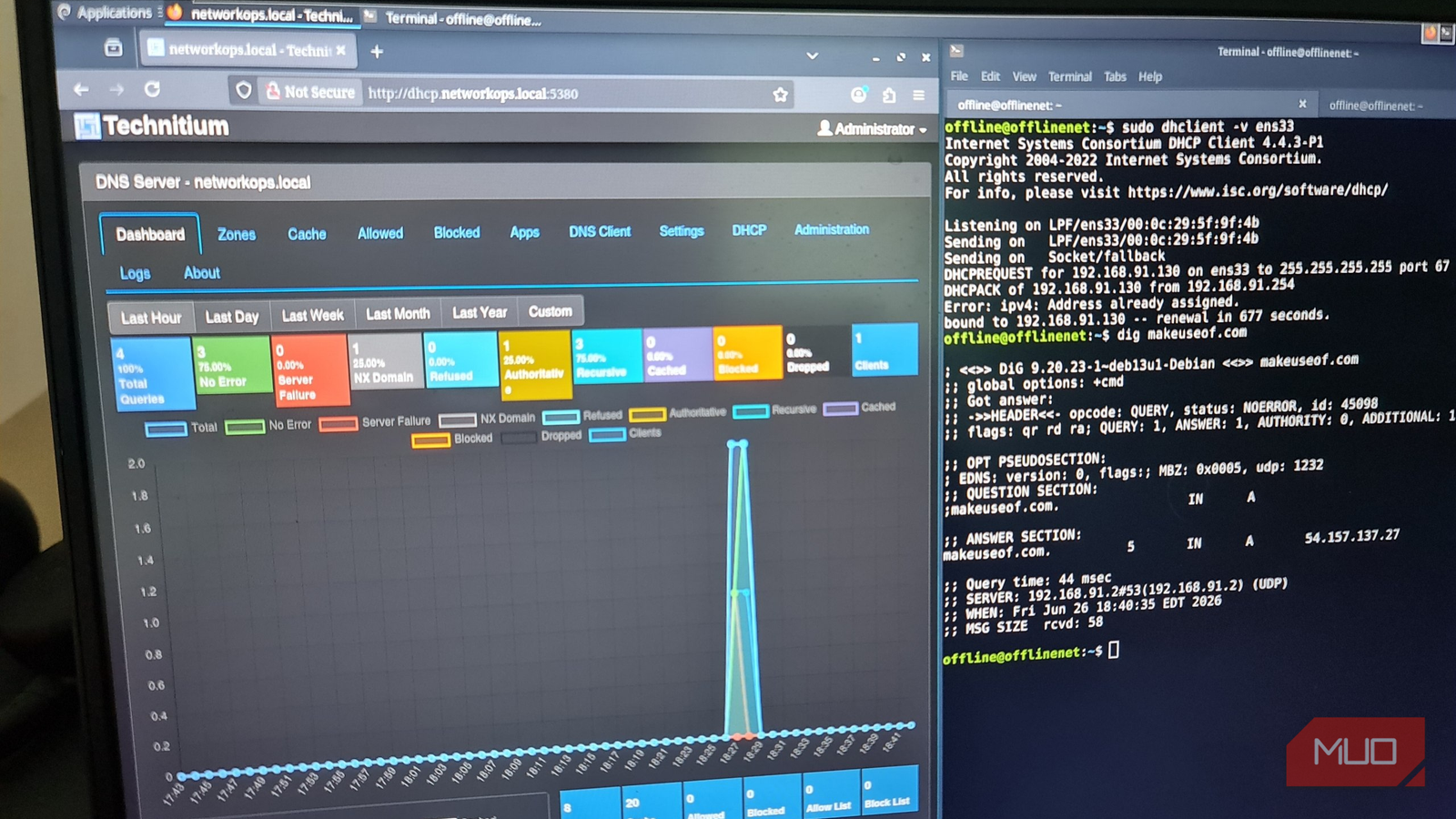
By packaging the automation within a container, all necessary dependencies—such as Python runtimes, rclone configurations, and environment variables—are isolated from the host. This eliminates the need to ensure the host machine has the correct PATH layout or software versions installed. Furthermore, it simplifies troubleshooting; instead of navigating Windows Event Viewer or tracing Task Scheduler history, users can simply check Docker logs to view the output of a specific job.
Best Practices for Portable Automation
To successfully transition to a fully containerized workflow, consider the following distinctions between traditional scheduling and Docker-based automation:
| Feature | Task Scheduler | Cron Container |
|---|---|---|
| Environment | Tied to Host OS | Self-contained |
| Scheduling | Built-in | Requires Scheduler Container |
| Version Control | Limited | Easy (via Git repository) |
| Portability | Manual/Complex | Simple |
Maintaining a unified “Compose stack” ensures that applications, their configurations, and their automation routines reside together. This approach transforms the restoration process: rather than manually configuring paths and credentials, a user can simply copy the Compose file and restore the data to bring both the application and its maintenance jobs back online simultaneously.
Understanding Limits and Maintenance
It is important to distinguish between scheduling tasks and container restart policies. Policies such as “unless-stopped” are designed to keep containers running after a host reboot or a crash; they do not function as a scheduler for backup or cleanup jobs. The cron process must remain inside the container to trigger jobs at the required intervals.
While moving to containerized automation is an upgrade for self-hosted services, traditional tools still have their place. The goal of this migration is not to eliminate traditional schedulers entirely, but to ensure that automations for containerized services remain on the same infrastructure as the services themselves.
Find more reporting in our Technology section.

Sony unveils Gran Turismo 30th Anniversary DualSense controller
Sony Interactive Entertainment revealed a limited-edition PlayStation 5 DualSense controller featuring racing stripes and carbon-fibre texture to mark...

Eight US States Sue OpenAI Over Deceptive Practices and Minors’ Safety
Eight US states filed coordinated lawsuits against OpenAI on October 14, 2026, accusing the artificial intelligence giant of...

DJI 4K Drone Drops to $139 on Amazon
Weighing just 135 grams, DJI's ultra-compact 4K drone has dropped to $139 on Amazon, matching a 365-day low...
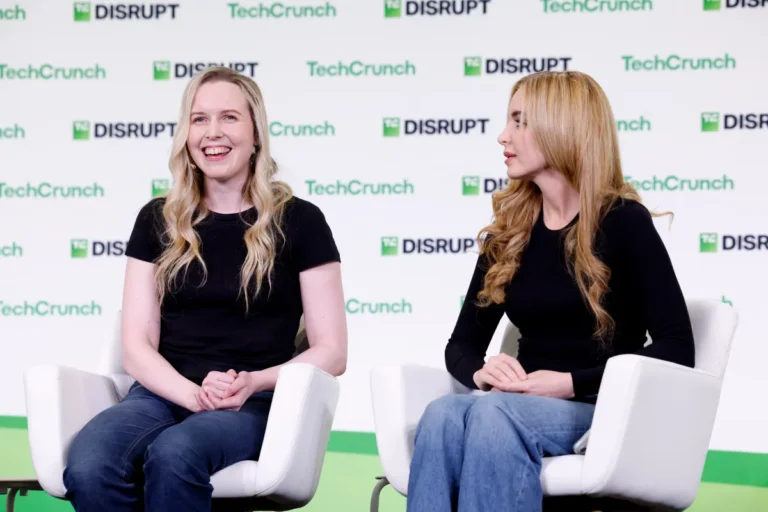
“Ricursive Intelligence bets on AI-designed chips to help solve the compute crisis"
Debuting at TechCrunch Disrupt on October 14, 2026, startup Ricursive Intelligence aims to solve the escalating semiconductor compute...